
To make your S3 Bucket public available, follow these steps:
1. Login to your minio console: https://console.us-east1.s3.hosting360.ca/
2. Go to Administrator -> Buckets
3. Click on the Bucket you want to make public.
4. Go to "Anonymous".
5. Click "Add Access Rule"
6. Enter the Prefix (path) as desired, by default /
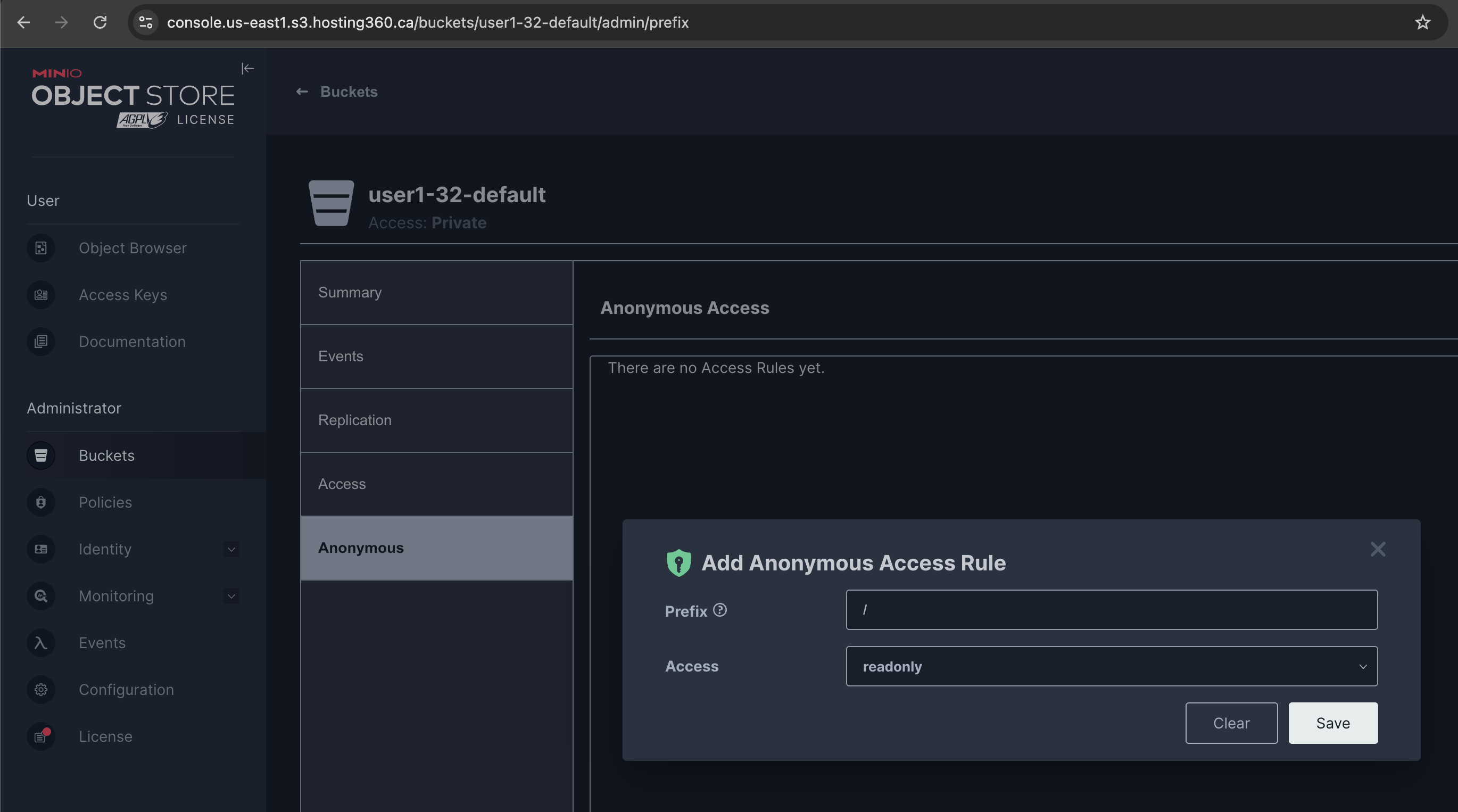
7. Click "Save"